On this page 19
Spatial computing blends digital content with the physical world, so people interact with apps in three-dimensional space instead of on a flat screen. Apple’s entry into this category with Apple Vision Pro and visionOS gave the idea a mainstream platform, a mature developer toolchain and a clear interaction model built on eyes, hands and voice.
For product leaders, the useful question is not whether headsets will replace phones. It is which workflows become better in 3D, and whether your team should build for them now. Spatial apps also sit inside wider metaverse trends, where AI, 3D content and digital twins are converging.
Quick answer
Apple spatial computing refers to Apple Vision Pro and its operating system, visionOS, which place apps and 3D content in the user’s physical space and control them with eye tracking, hand gestures and voice. The strongest business opportunities today are in training, design review, healthcare visualization, field service and high-consideration retail, where seeing something at true scale changes a decision.
Apple Vision Pro and visionOS: what product teams need to know
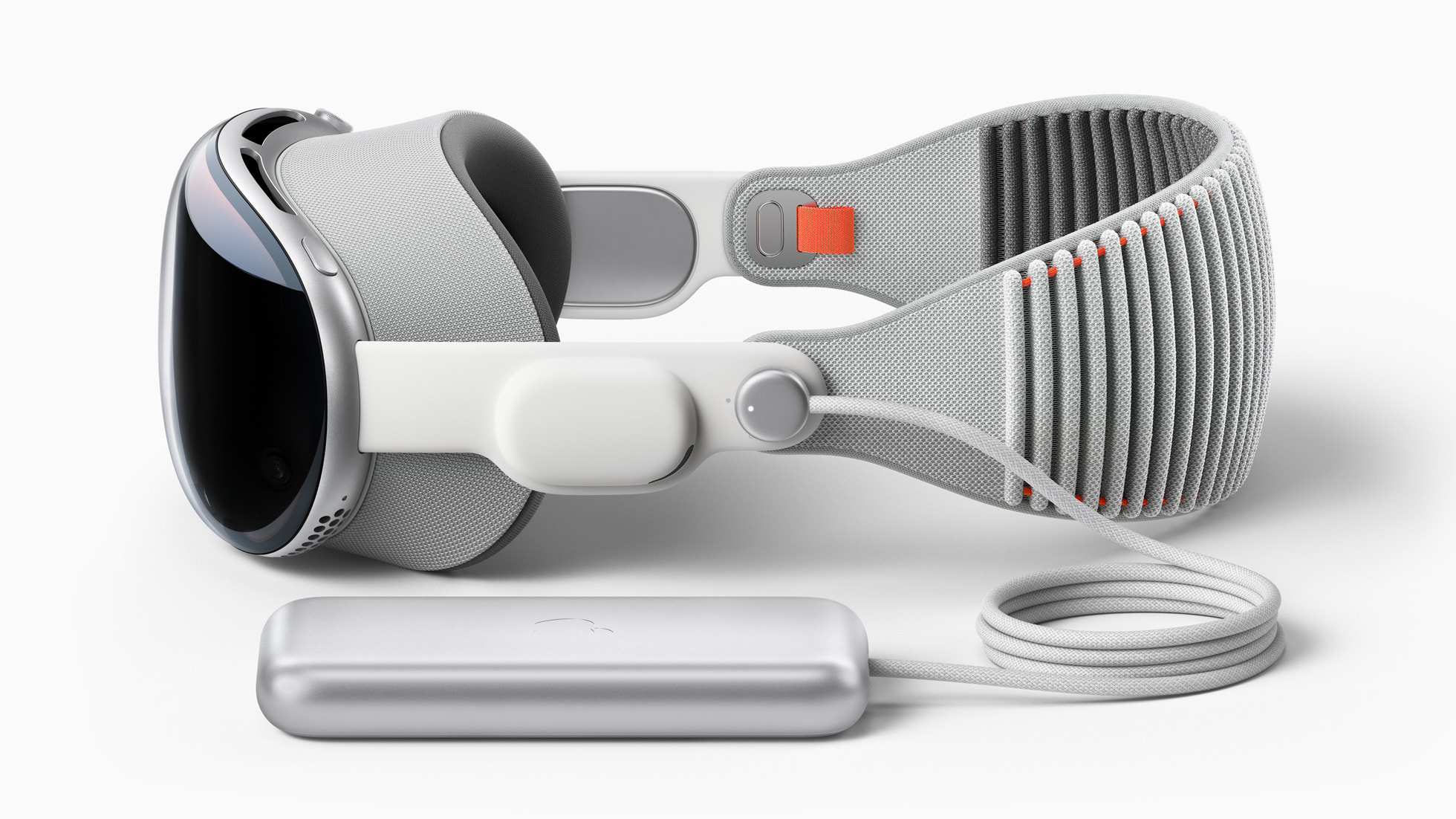
Apple unveiled Vision Pro at WWDC in June 2023 and launched it in the US in February 2024. The device combines augmented and virtual reality: apps can float as windows in the room, appear as 3D objects, or take over the full field of view.
Core capabilities
- High-resolution micro-OLED displays that make text readable, which matters for productivity and enterprise apps
- Eye tracking as the primary pointer, so users look at an element and pinch to select it
- Hand and gesture recognition without controllers
- Spatial audio that places sound in the room
- Apple silicon: the launch model paired an M2 chip for apps with an R1 chip for sensor processing
Full specifications are on apple.com.
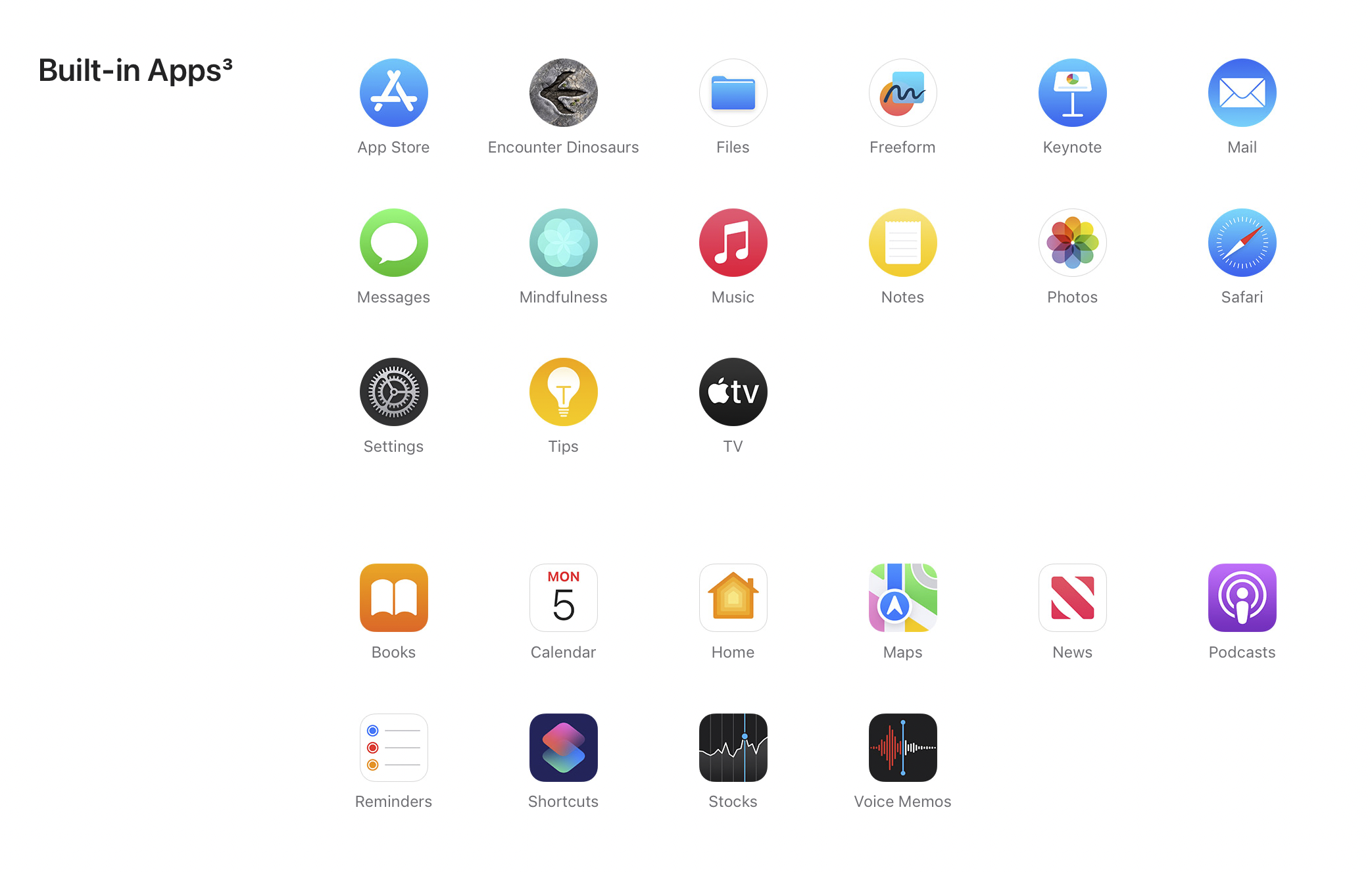
Timeline of Apple spatial computing
- 2017: ARKit introduced for iOS devices, giving developers years of AR experience on iPhone and iPad
- 2020: LiDAR scanner added to iPad Pro and iPhone 12 Pro
- 2023: Vision Pro announced at WWDC 2023
- 2024: Vision Pro launched in the US in February, followed by visionOS 2 and availability in more countries
- 2025: visionOS 26 announced at WWDC 2025
For teams that already build iOS apps, the toolchain is familiar: SwiftUI for interfaces, RealityKit for 3D content and Reality Composer Pro for scene assembly. Unity also supports visionOS for teams with existing game-engine assets.
Considering a visionOS app or spatial prototype?
Lightrains builds 3D environments, characters and interactive spatial experiences, and can help you decide whether your use case needs a native visionOS app, an adapted iPad app or a web-based 3D experience. Lightrains starts with the workflow you want to improve, then picks the platform.
See Lightrains spatial and metaverse consulting
Why spatial computing matters for your business
Spatial computing earns its place when scale, depth or hands-free work changes the outcome. Three tests help:
- Does the user need to see something at true size? Furniture, machinery, buildings and medical anatomy are hard to judge on a flat screen.
- Does the task involve working with hands while viewing information? Assembly, maintenance and surgery training fit this pattern.
- Is the alternative expensive? Physical prototypes, travel to sites and in-person training all have clear costs to compare against.
If none of these apply, a well-designed mobile or web app is usually the better investment. Spatial computing is a strong channel for specific workflows, not a general replacement for existing apps.
Product use cases by industry
Training and education
Simulations let staff rehearse procedures that are dangerous, rare or expensive to stage. Learners can walk around a 3D model, repeat a scenario and get feedback without consuming physical equipment.
Healthcare
Medical teams can review 3D scans and anatomy at scale, and educators can teach procedures with models students can inspect from any angle. Clinical uses carry regulatory requirements, so most teams start with education and planning rather than live care.
Architecture, engineering and construction
Architects and clients can walk through unbuilt spaces, compare finishes and catch layout problems before construction. Engineering teams can review CAD models at true scale with remote colleagues.
Manufacturing and field service
Technicians can see step-by-step instructions overlaid on equipment while keeping their hands free. Digital twins of production lines let teams test changes before touching the physical setup.
Collaboration and hybrid work
Spatial apps can recreate shared workspaces for distributed teams. Lightrains covers this in more depth in its post on spatial commerce and hybrid virtual workplaces.
Entertainment and media
Immersive video, sports viewing and games remain the most visible consumer uses, and they shape user expectations for every other spatial app.
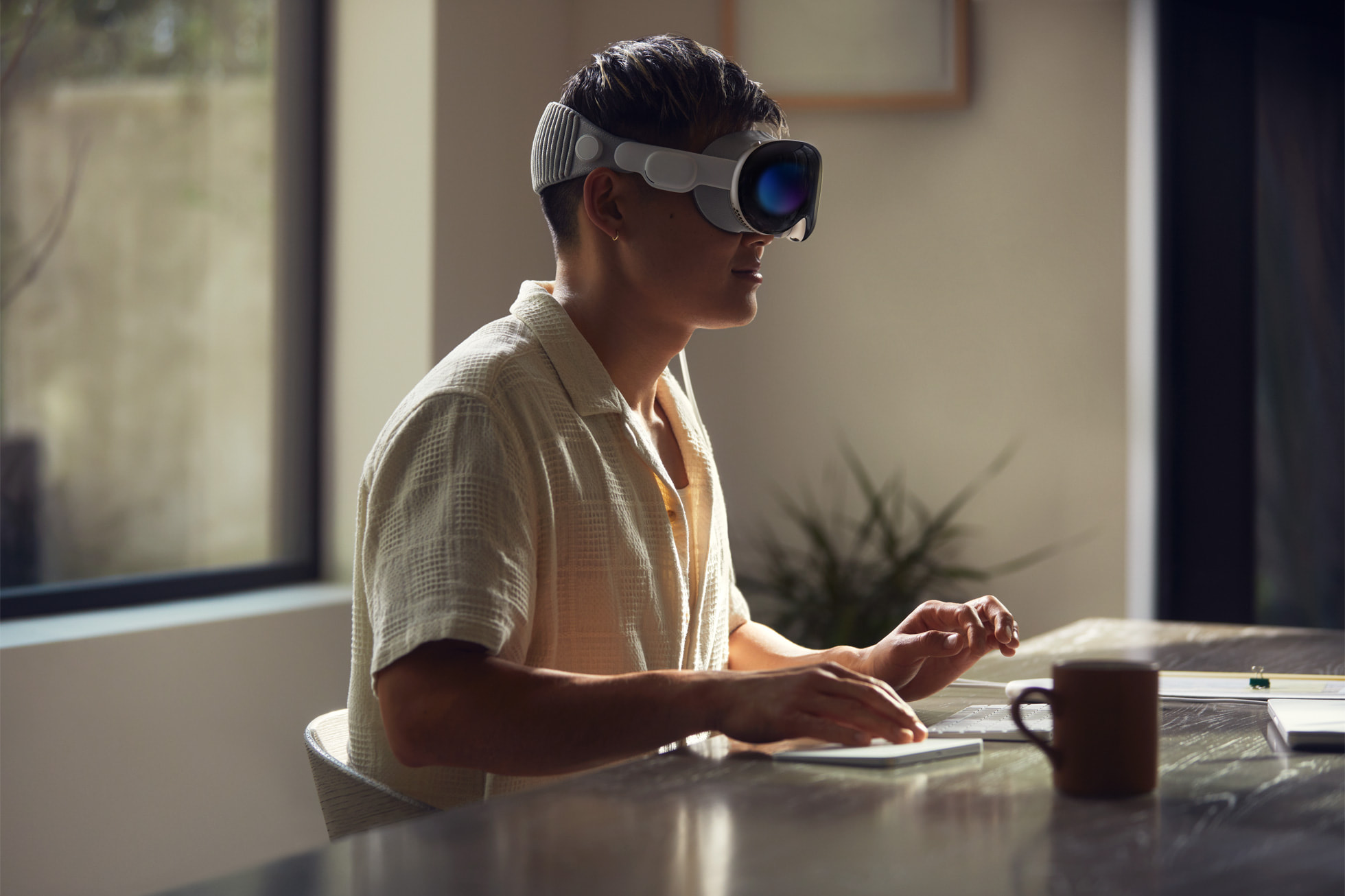
Spatial commerce: retail in 3D
Spatial commerce brings shopping into the user’s own room. With Vision Pro, shoppers can:
- Place furniture, appliances or decor in their space at true size
- Browse virtual storefronts and inspect products from every angle
- Try on clothing and accessories virtually
Specialist companies such as MeshMonk combine AI with spatial technology for personalized shopping; their write-up on Apple Vision Pro spatial commerce shows how retailers are approaching it.
The next step is pairing 3D product views with AI shopping assistants that answer questions, compare options and build a cart. Lightrains’ analysis of AI commerce experiences explains how these agents work and where they deliver value.
Spatial commerce still faces real constraints: a limited headset install base, the cost of producing accurate 3D product assets, and privacy expectations around in-home use.
UX implications of designing for space
Spatial interfaces change basic design assumptions:
- Eyes are the pointer. Targets need generous size and spacing, and hover states must be subtle so the interface does not flicker as users look around.
- Comfort limits session length. Design for focused tasks rather than all-day use, and keep text and controls at comfortable distances.
- Windows, volumes and full spaces. visionOS lets apps live as flat windows, bounded 3D volumes or full environments. Most business apps should start with windows and volumes, which keep users aware of their surroundings.
- Privacy is built in. Apple does not share where a user is looking with apps, only the resulting interactions. This shapes how you design analytics.
- Accessibility matters. Plan for users who cannot rely on precise eye or hand input.
Platform choices: Apple and the alternatives
| Platform | Strengths | Typical fit |
|---|---|---|
| Apple Vision Pro, visionOS | Display quality, eye-and-hand input, iOS toolchain | Premium enterprise, design review, high-value retail |
| Meta Quest series | Lower hardware cost, large consumer base, standalone VR | Games, social VR, training at scale |
| Android XR (Google, Samsung) | Android ecosystem, Google services | Teams already invested in Android |
| PlayStation VR | Integration with the PlayStation ecosystem | Console gaming |
| Microsoft mixed reality | Enterprise AR history with HoloLens | Existing HoloLens deployments; Microsoft ended HoloLens 2 production in 2024 |
If your audience spans several devices, consider a shared 3D asset pipeline using open formats such as USD or glTF, with platform-specific front ends.
Implementation risks
- Small install base: Headset adoption is still limited, so consumer apps need a clear niche or a companion experience on phones and the web.
- 3D content cost: Accurate 3D assets are often the most expensive part of the project. Generative tools help with drafts, but production assets still need artist time.
- Platform change: visionOS is young and Apple updates it yearly. Budget for maintenance.
- Unclear success metrics: Define what improves (training time, error rates, conversion, return rates) before you build.
- Skills gap: Spatial UX, 3D art and real-time performance tuning are specialist skills most product teams do not have in-house.
What this means for your product roadmap
Apple spatial computing is not a reason to rebuild your product. It is a reason to look for the one or two workflows where 3D, true scale or hands-free use makes a measurable difference, and to prototype those with a small group of users.
AI adds a second layer. Conversational guides, generated 3D variants and personalized scenes make spatial apps cheaper to build and more useful to run. Lightrains outlines the generative AI opportunities in virtual and spatial products, and its LLM integration services cover adding those AI features to an existing app.
Is spatial computing a fit for your product roadmap?
Lightrains helps founders and product teams decide where spatial computing belongs in their roadmap: which workflow to prototype, which platform to target and what the build and content costs look like. You get a scoped plan with risks called out before any headset-specific code is written.
Plan your spatial product strategy with Lightrains
This article originally appeared on lightrains.com
Leave a comment
To make a comment, please send an e-mail using the button below. Your e-mail address won't be shared and will be deleted from our records after the comment is published. If you don't want your real name to be credited alongside your comment, please specify the name you would like to use. If you would like your name to link to a specific URL, please share that as well. Thank you.
Comment via email